Set up the Support Process in Salesforce [Step-by-Step Guide]

Setup Support Processes in Salesforce Lightning

I was a Salesforce Administrator at a company that used Salesforce CRM to manage customer cases and resolve customer queries. The service team informed me that they handle two different types of support processes: Each support process follows different case status stages. Because of this, the team wanted Salesforce to display different status values based on the selected support type for the case. … Read more >>>
Agentforce for Developers in Salesforce

Agentforce for Developers in Salesforce

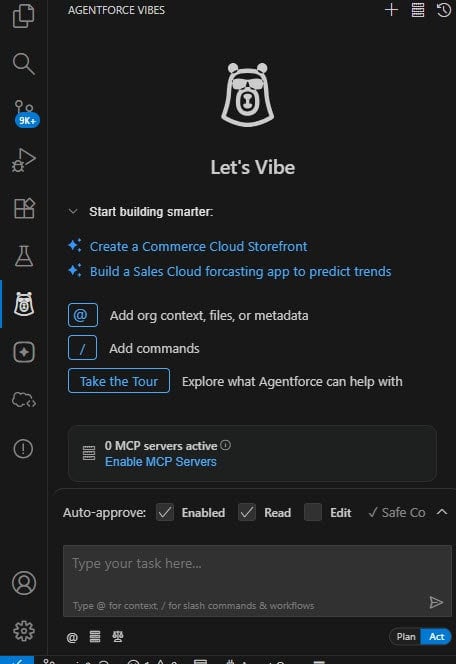
We enabled the Agentforce default agent and created the Service Agent and the Employee Agent. These agents help Salesforce users and external customers. But what if a developer wants help while writing code, creating Apex classes, or building flows in Salesforce? So Salesforce has just released Agentforce Vibe, or Vibe Coding, a Salesforce AI assistant platform for developers. Using Agentforce Vibes, the developer asks, “Write an Apex class … Read more >>>

Salesforce Formula Add Year to Date

Salesforce Add Year to Date

In this Salesforce Tutorial, we will learn how to add year-to-date in Salesforce. Moreover, we will go through the steps to add the Year-to-Date Field in Salesforce. In addition, we will go through a special case based on the user’s requirements. The special case is “Salesforce Formula Add Year To Date, where the End Date should be … Read more >>>

How to Check Record Page Assignments in Salesforce

Check Record Page Assignments in Salesforce

While working as a Salesforce Admin, I faced an issue where different users were seeing different record pages for the campaign object. Some users are seeing the new record page I created, but others are still seeing the old page layout. This created confusion because everyone should get the same page design. To understand why … Read more >>>

Page Layouts in Salesforce [Complete Guide with Examples]

Salesforce Lightning Customize Record Page Layout

While working as a Salesforce admin, I received a requirement from our client. They have two profiles: sales executives and sales managers, and both use the same Salesforce object. Sales executives need to see and fill only the basic fields, but sales managers need additional fields such as discount, approval status, and internal notes. Instead … Read more >>>

How to Share Content with Other Users in Salesforce

Dashboard Share with other users in Salesforce Classic

In Salesforce, we set the Organization-Wide Defaults (OWD) to Private to control record-level security. This means users can see only the records and files they own or that are shared with them. By default, other users do not have access. Sometimes, there is a business requirement to grant access to a specific record or file to users … Read more >>>

Standard and Custom Fiscal Year in Salesforce

Set up Standard Fiscal Year in Salesforce

Salesforce provides the Standard Fiscal Year feature, which runs from January to December. Suppose the company wants to customize its Fiscal Year because its financial cycle does not follow the standard January-to-December calendar. In that case, Salesforce provides the option to use a Custom Fiscal Year. While working as a system admin for a Salesforce consulting company, … Read more >>>

Auto-Generate Field Summaries in Salesforce Agentforce

Auto-Generate Field Summaries in Salesforce Agentforce

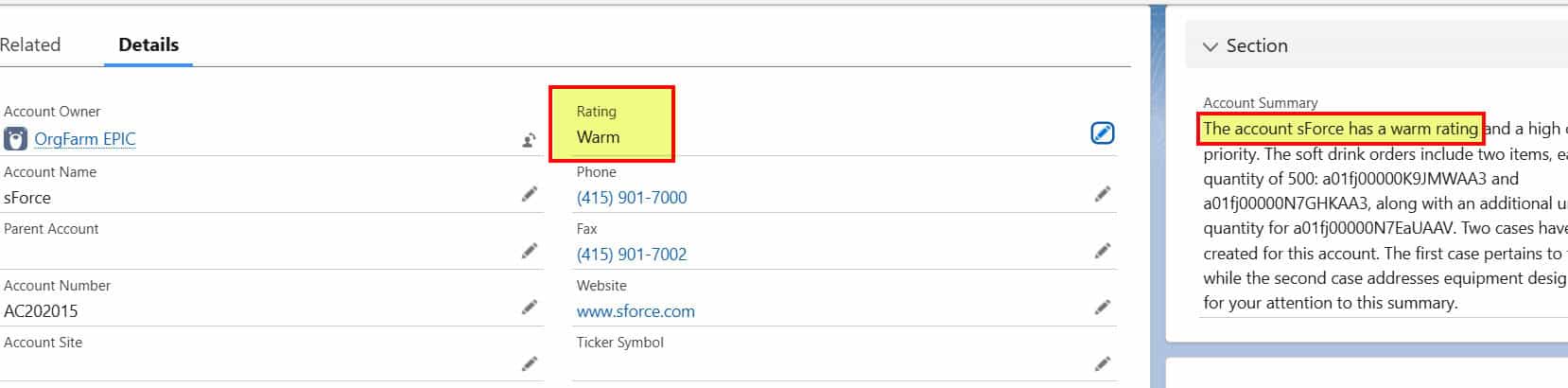
In Agentforce, we have various types of prompt templates that can be invoked from AI Agent, Apex, Flows, or record pages in Salesforce. For example, I created a Field Generation Prompt Template on the Account object that summarizes a particular account and displays it in a custom field named Account Summary__c. Now this prompt template … Read more >>>

Create Chatter Streams in Salesforce for Better Collaboration

Chatter Streams in Salesforce Lightning

While working as a Salesforce Admin, the sales manager wants the sales team to stay updated on important Account and Opportunity changes without having to open each record individually. To solve this, I create Chatter Streams that automatically show updates when an Opportunity stage changes, a comment is added on an Account, or a sales … Read more >>>

live webinar

Salesforce Data Cloud with Agentforce Data Library

In this live webinar, we will showcase how Salesforce AI Agents use business data and documents to provide intelligent responses using Agentforce Data Library and Salesforce Data Cloud.

Agentforce in Salesforce

DOWNLOAD FREE AGENTFORCE EBOOK

Start with AgentForce in Salesforce. Create your first agent and deploy to your Salesforce Org.