How to Log a Call in Salesforce (Lightning Experience)

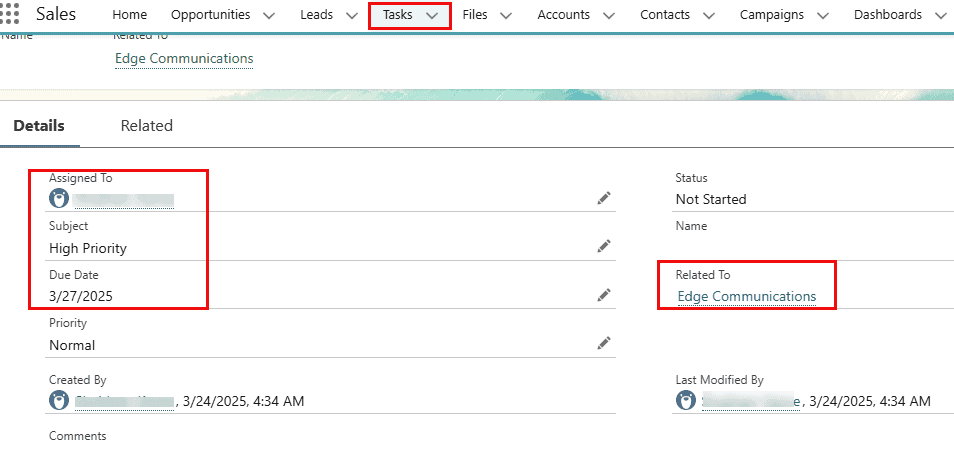
To log a call in Salesforce, open the contact, lead, account or opportunity, click Log a Call in the Activity panel, enter a subject and comments, and click Save. Salesforce stores the call as a completed Task with Task Subtype = Call and shows it in the record’s activity timeline. I logged a real call … Read more >>>