How to Send a List Email from a Campaign in Salesforce
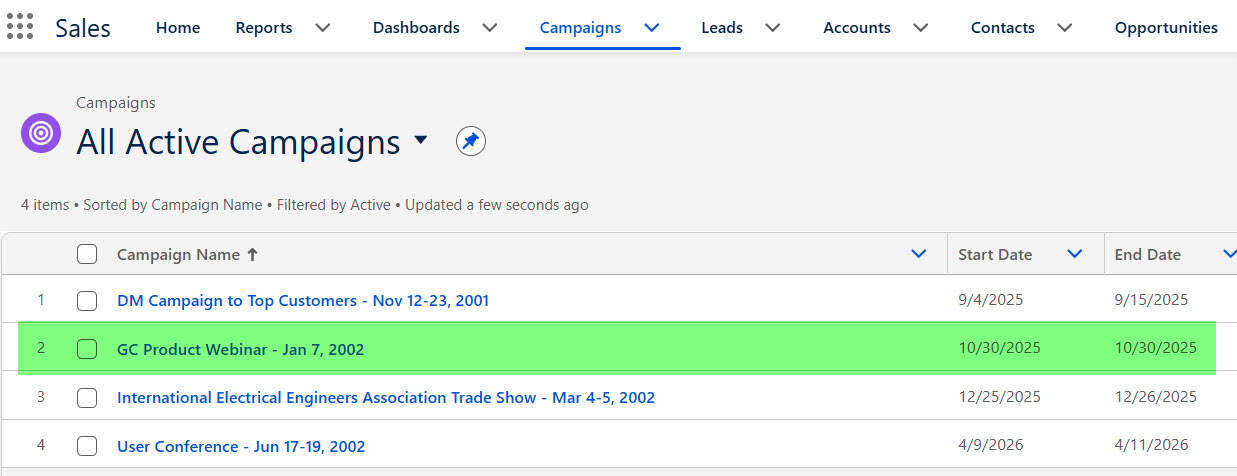
Create a Campaign in Salesforce

A sales team has invited prospects to a product webinar and now needs to send one clear follow-up email to everyone who registered. Doing this one record at a time wastes hours and creates inconsistent messaging. In projects I have worked on, I use a Salesforce Campaign to keep the audience, member status, and email … Read more >>>
How to Deactivate User in Salesforce

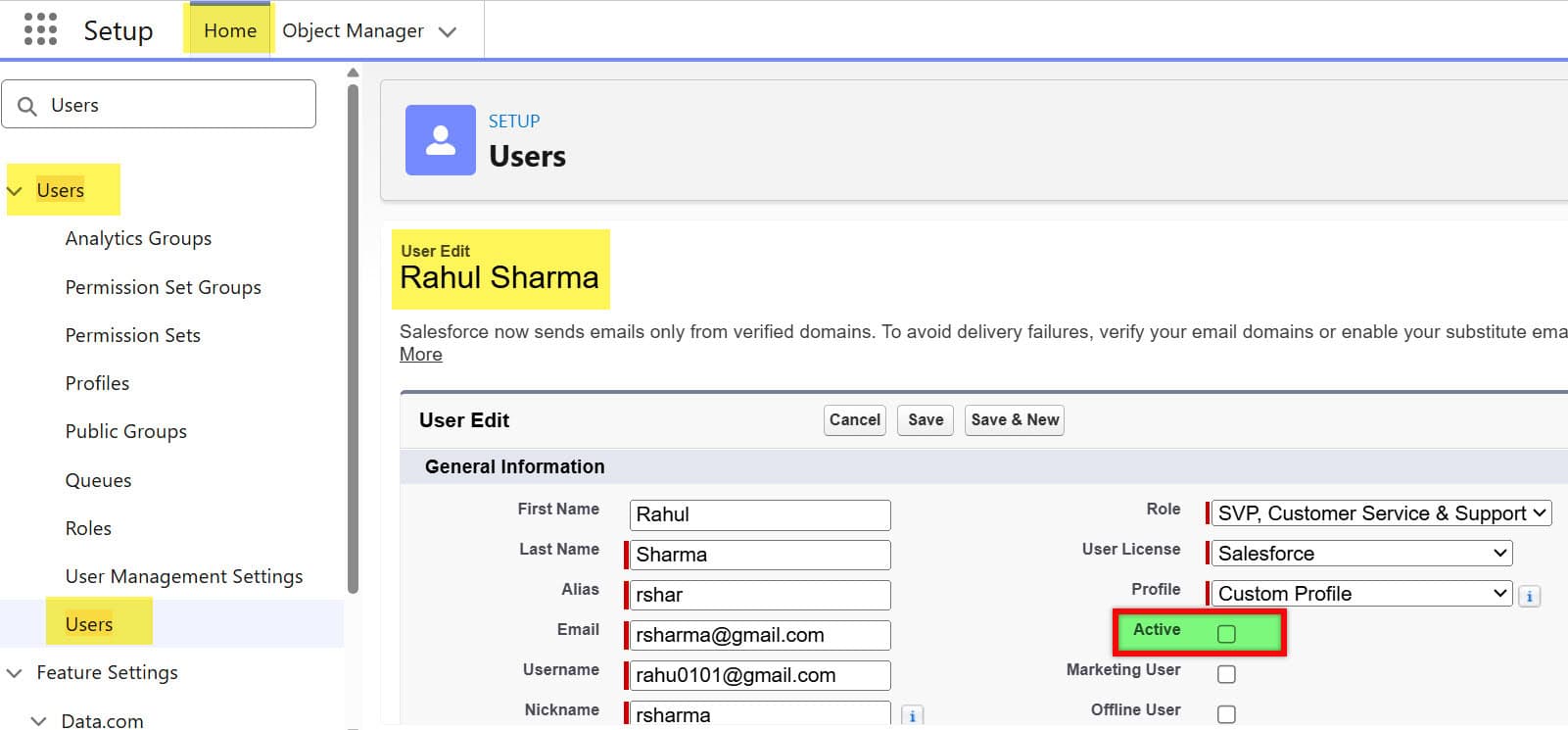
Deactivate User in Salesforce

When a sales representative or support agent leaves, removing their Salesforce access sounds simple. In a real Sales Cloud or Service Cloud org, that user may own open opportunities, active cases, scheduled reports, and automation that keeps daily work moving. I have handled many user offboarding requests where the urgent requirement was “remove access now,” … Read more >>>

Salesforce DATEVALUE Function: Syntax, Examples, and Uses

Create a Salesforce DATEVALUE Formula Field

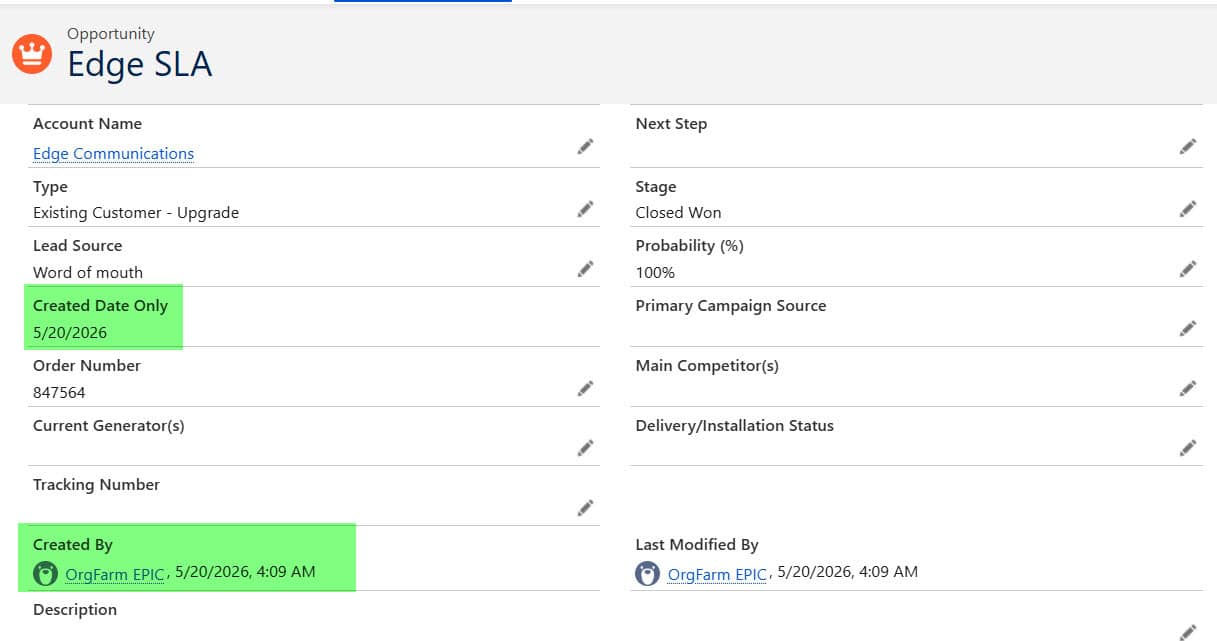
The DATEVALUE() function in Salesforce converts a Date/Time value, or text in YYYY-MM-DD format, into a Date. DATEVALUE(CreatedDate) returns just the day a record was created, in the viewing user’s time zone, so you can compare it with TODAY(), count days, or group records by day. The time-zone part is where most formulas go wrong, … Read more >>>

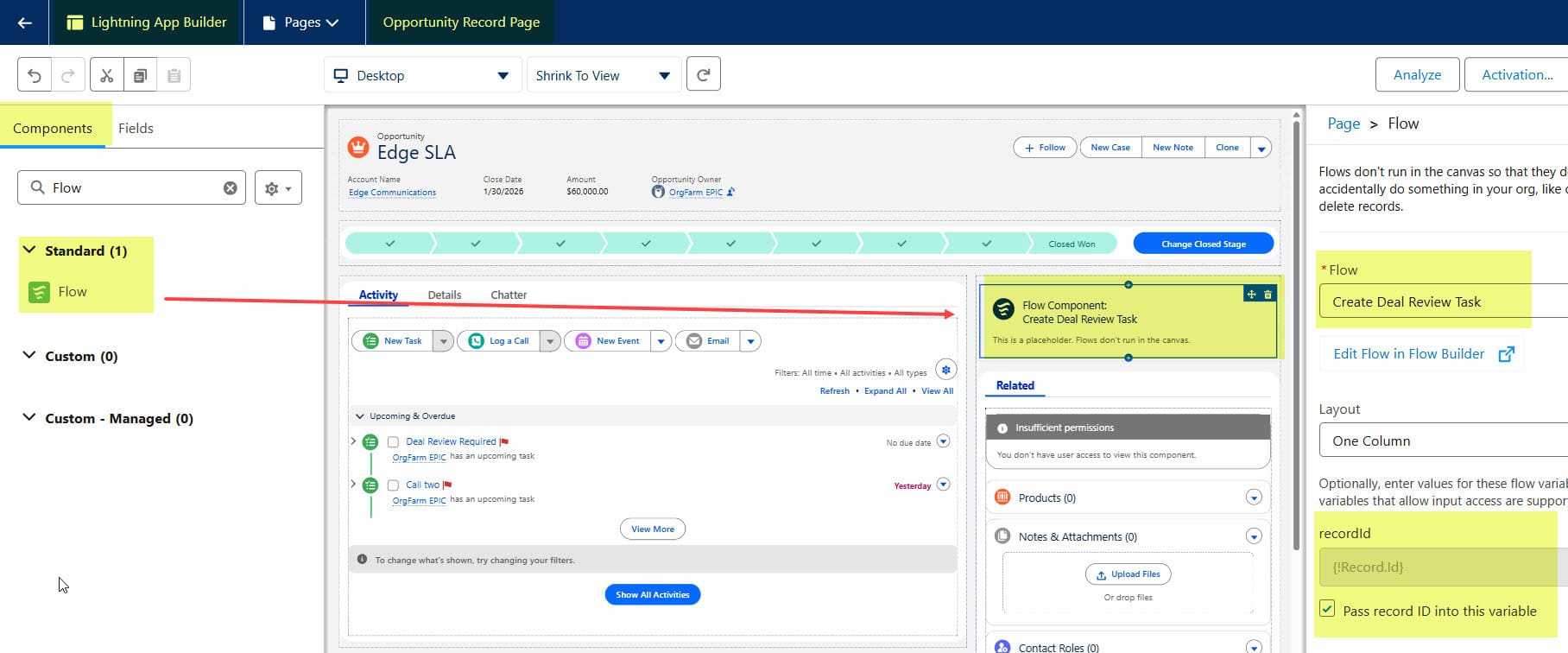
How to Pass a Record ID into Salesforce Flow

How to Pass a Record ID into Salesforce Flow

Imagine a sales representative is viewing an Opportunity and clicks a button to start a Flow. Salesforce should already know which Opportunity the user is working with. The user should not have to search for or select the same Opportunity again. The same requirement is common in other Salesforce processes. For example, a support agent … Read more >>>

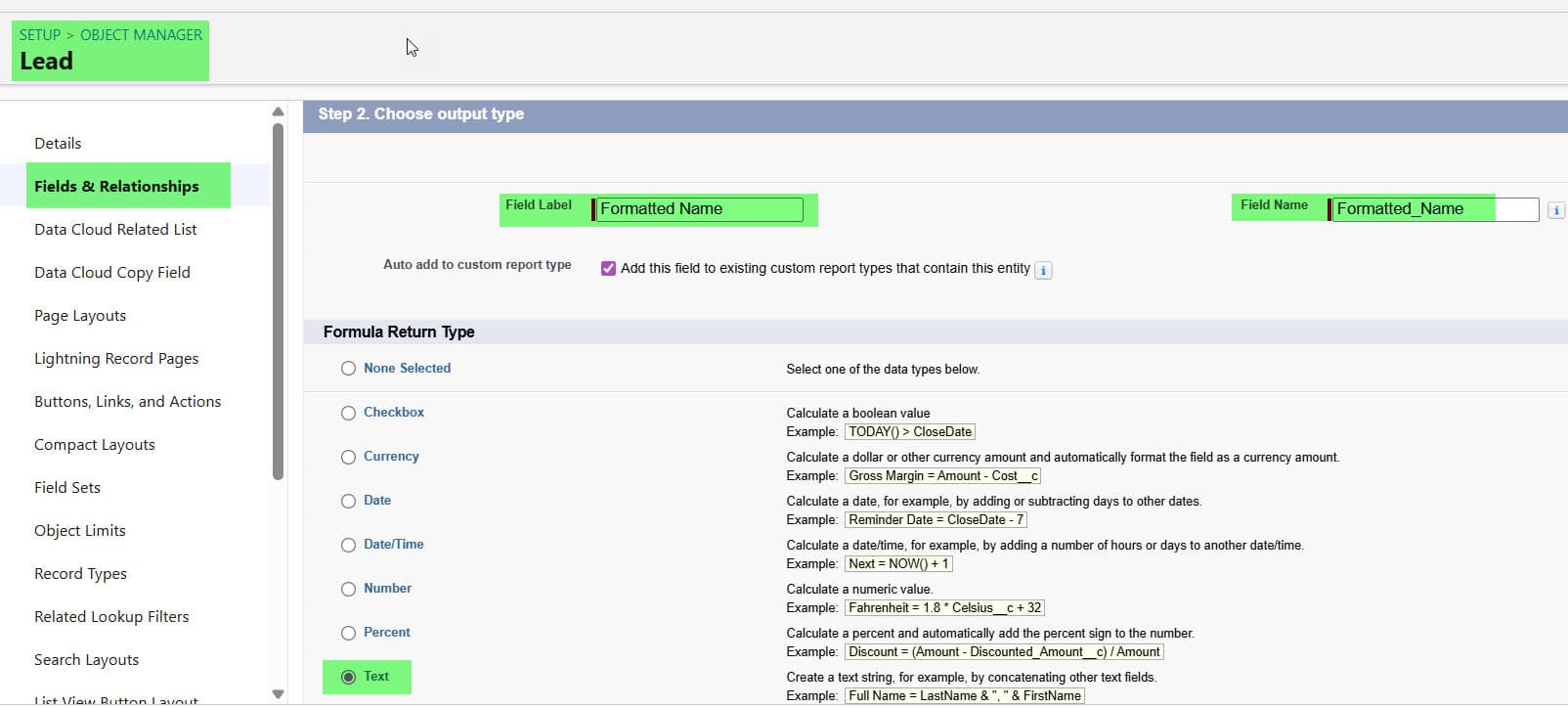
INITCAP() Function in Salesforce [Initial Upper Case Formula]

Use INITCAP Function in Salesforce Formula Field

When your sales or support team is working with thousands of Leads, Contacts, or Cases, messy data becomes a real problem. You’ve probably seen records where the Account Name is in all caps, the Contact Name is all lowercase, or the Case Subject looks like someone typed it from their phone at midnight. It doesn’t … Read more >>>

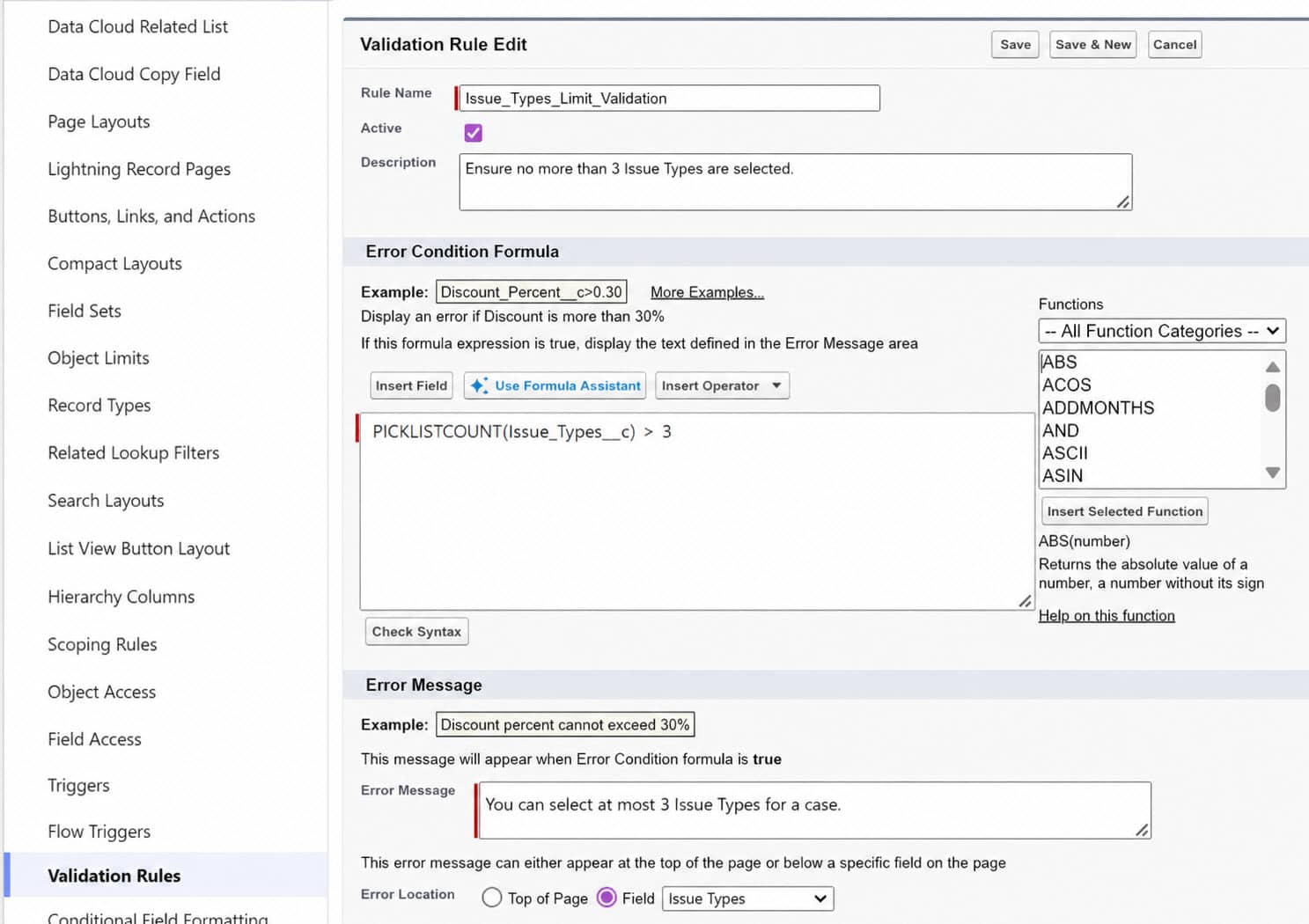
PICKLISTCOUNT() Function | Count Values in Multi-Select Picklist in Salesforce

PICKLISTCOUNT() Function in Salesforce

Imagine your support team logs every case with a multi-select picklist called Issue Types — things like “Login Problem”, “Billing Issue”, “Integration Error”, and “Performance.” Some cases are simple, but others touch three or four areas at once, and you want your validation rules and automation to behave differently based on how many issue types … Read more >>>