Opportunity Object in Salesforce [Features, Fields & Use Cases]

Salesforce Opportunity Object Explained

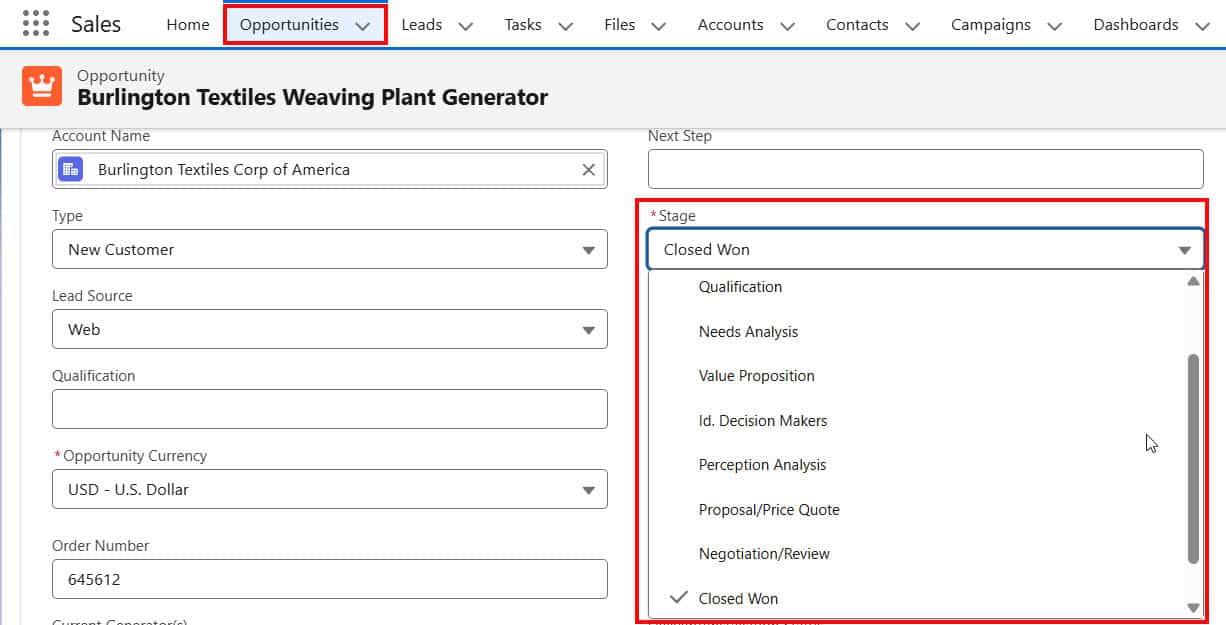
Salesforce Opportunity helps businesses track potential sales and manage their sales pipeline. An opportunity in Salesforce represents a deal or potential sale with a customer. Opportunities play a big role in sales processes. They let teams record important details about deals, such as their value, expected close date, and current stage. Sales reps can use … Read more >>>

Automatically Delete Records Using Salesforce Flows

Delete Records Using Salesforce Flows

When we are doing business with a customer, we create an account and mark it as Active. Also, when we stop working with that customer, the user sets that account as deactive. The requirement is that whenever a user marks an Account as not active and saves the record, Salesforce should automatically delete that Account. … Read more >>>

Salesforce: Call Apex From Lightning Web Components (LWC)

Call Apex From Lightning Web Components (LWC)

In Salesforce LWC (Lightning Web Component), we need to call Apex to access and manipulate data on the Salesforce backend, performing complex business logic operations that cannot be handled solely within the LWC. To call an Apex method from LWC in Salesforce, we can use the wire property or the wire function, or call it imperatively. … Read more >>>

Send HTML Emails Using Salesforce Flow

HTML Email in Salesforce Flow

In Salesforce, we usually use classic or Lightning email templates to send automated emails. These work well for simple messages, but they can’t do much with design. For example, when a customer buys something, we want to send a welcome email with their name, product details, and a link to get started. An HTML Email … Read more >>>

How to Bypass Validation Rules Using Salesforce Flow

How to a Create Bypass Validation Rules in Salesforce Flow

In Salesforce, when we add a validation rule on any object, it restricts the user from entering incorrect data. We can create a flow to avoid conditions of the validation rule and create the record. In this Salesforce tutorial, we will learn about what validation rules are in Salesforce, and we will also see how … Read more >>>

Einstein Service Replies for Email in Salesforce Agentforce

Einstein Service Replies for Email in Salesforce Agentforce

First, let me explain a scenario to quickly understand how Einstein service replies for email in Salesforce Agentforce works. Then I will explain how we can achieve this in Salesforce. So, let’s say you are a support engineer and the customer has a question about the Wi-Fi router not working. Now, to get the proper … Read more >>>

Automate Processes Using Apex Triggers in Salesforce [Detailed Guide]

Create Apex Trigger in Salesforce

As a Salesforce Developer, I was assigned the task of automating the process of assigning high-priority cases (e.g., “Critical” or “High”) to a specialized support team. This should happen when a case is created or its priority is changed. To fulfill this requirement, I need to develop an Apex trigger program. In this tutorial, I will explain how … Read more >>>

Trigger.newMap & Trigger.oldMap Context Variable in Apex Trigger

Create an Apex Trigger in Salesforce

In Salesforce, Apex triggers automate processes and apply custom logic during specific database operations, such as insert, update, delete, and undelete. In that, we use Trigger.newMap and Trigger.oldMap in Salesforce Apex, which are other types of context variables that return maps of the old versions of sObject records. When we start learning Apex Triggers in Salesforce, everything … Read more >>>

Apex Trigger Handler and Helper Class in Salesforce

Trigger Handler Pattern in Salesforce Apex

As a Salesforce developer, I want to automatically update all related contact records when an opportunity is marked as Closed Won. Usually, we write the logic in the trigger class itself, but instead of writing the logic directly in the trigger, I use a helper class to handle the bulk of the processing. Here, I … Read more >>>