
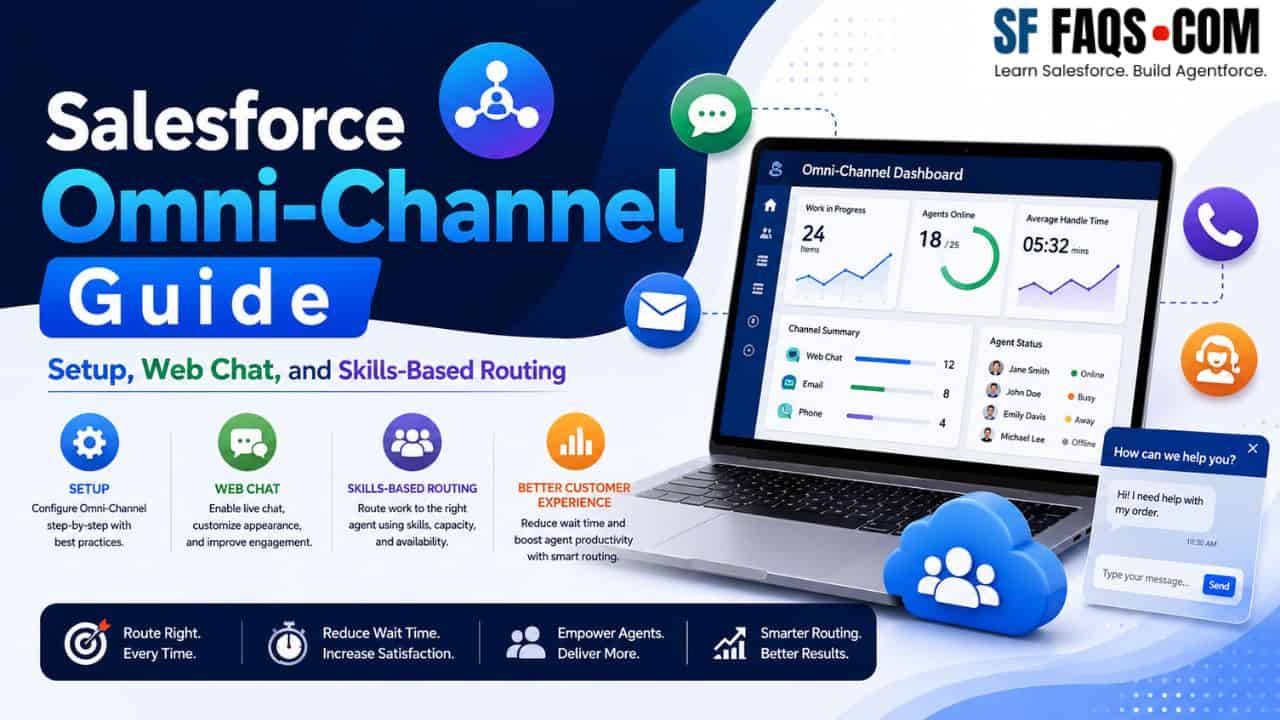
In this Salesforce Omni‑Channel guide, I have brought together all my Omni‑Channel tutorials into one place so that you can quickly design and implement a complete routing strategy for your service teams.
When you are working on Salesforce Service implementations, Omni‑Channel is a key feature for routing chats, cases, and work items to the right agents at the right time. You can use this page as your reference for:
- Enabling and configuring Omni‑Channel.
- Setting up web chat in Salesforce.
- Designing skills‑based routing using configuration, Flow, and Apex.
- Optimizing routing priority and handling advanced routing scenarios.
Start here: Enable and set up Salesforce Omni‑Channel
If you are new to Omni‑Channel, start by enabling it and configuring the basics.
In these tutorials, I walk through:
- Turning on Omni‑Channel in your org.
- Setting up service channels and routing configurations.
- Assigning Omni‑Channel configurations to agents and queues.
Once Omni‑Channel is enabled and the basic configuration is done, you can move into web chat and skills‑based routing.
Salesforce Omni‑Channel web chat setup
If you want to offer live web chat to your customers, use these tutorials:
In this article, I show you how to:
- Configure web chat for your site.
- Connect chat to Omni‑Channel routing.
- Test and verify that chats are being delivered to the right agents.
You can combine this with skills‑based routing and Agentforce later to build intelligent chat experiences.
Skills‑based routing in Omni‑Channel (configuration)
Skills‑based routing ensures that work items go to agents with the right skills, not just the next available agent.
Start with configuration‑based skills routing:
In this tutorial, I show how to:
- Create skills in Salesforce.
- Assign skills to agents.
- Configure Omni‑Channel routing so that work items require specific skills.
This is the foundation for advanced routing configurations.
Skills‑based routing using Apex and Flow
Sometimes, your routing requirements are too dynamic or complex for configuration‑only setups. In those cases, you can use Apex and Flow to control skills and routing logic.
Use these tutorials when you need more control:
- Salesforce Omni Channel Skills Based Routing using Apex
- Skill Based Routing Salesforce Omni Channel Flow
From these posts, you will learn how to:
- Use Apex to assign or adjust skills dynamically before routing.
- Use Flow to build routing logic that reacts to record data, priority, or other conditions.
- Combine automation and Omni‑Channel to build intelligent routing patterns.
Tuning routing: secondary routing priority and outbound flows
Once you have basic routing working, you often need to fine‑tune how items are distributed, especially when queues get busy.
Use these tutorials to refine routing:
Here I explain how to:
- Use secondary routing priority to handle tie‑breakers or fallback scenarios.
- Use outbound Omni‑Channel Flows to manage work distribution and escalations.
These patterns are especially useful in high‑volume service centers where the routing strategy directly impacts response times and agent workload.
All Salesforce Omni‑Channel tutorials (index)
Here is the full list of Omni‑Channel tutorials on my site. You can scan this index if you know exactly what you are looking for.
- Enable Omni Channel in Salesforce
- Setup Omni Channel Salesforce
- Salesforce Omni Channel Web Chat Setup
- Salesforce Omni Channel Secondary Routing Priority
- Salesforce Omni Channel Skill Based Routing Setup
- Salesforce Omni Channel Skills Based Routing using Apex
- Outbound Omni Channel Flow in Salesforce
- Skill Based Routing Salesforce Omni Channel Flow
